How to Make a Giant Foot 360 Video with the “Bigfoot” SmartClip Template - A Step-by-Step Beginner’s Guide
Want to make it look as if a giant is striding through the scene? The new “Bigfoot” SmartClip template transforms every step into a dramatic, larger-than-life 360 effect, with oversized feet and the world curving around you.
You only need one continuous walking clip. SmartClip builds the effect for you, so there is no keyframing or complicated editing workflow. Follow the steps below to shoot your clip and turn it into a share-ready video.
What You Need
- AKASO 360 camera
- 1.2 m selfie stick
- AKASO 360 App
- A bright, spacious outdoor area with flat ground
Step-by-Step Tutorial
Step 1: Set Up the Camera
Switch to 360 Video mode and set your AKASO 360 to 5.7K/30fps.

Step 2: Record a Low-Angle Walking Clip
Mount the camera on the selfie stick and extend it. With the screen side facing forward, hold the camera between your feet and close to the ground.
Keep the camera in that position and walk forward naturally. Record continuously for more than 20 seconds so you have enough footage to work with.

Step 3: Apply the “Bigfoot” SmartClip Template
Open the Album tab in the AKASO 360 App and download your clip. Then go to the Home tab, find the “Bigfoot” SmartClip template, and open it.
Import your clip and trim it to the section where your steps look the most natural.

Step 4: Customize Your Video
Choose your preferred aspect ratio, add a filter, and select music that suits the playful effect.

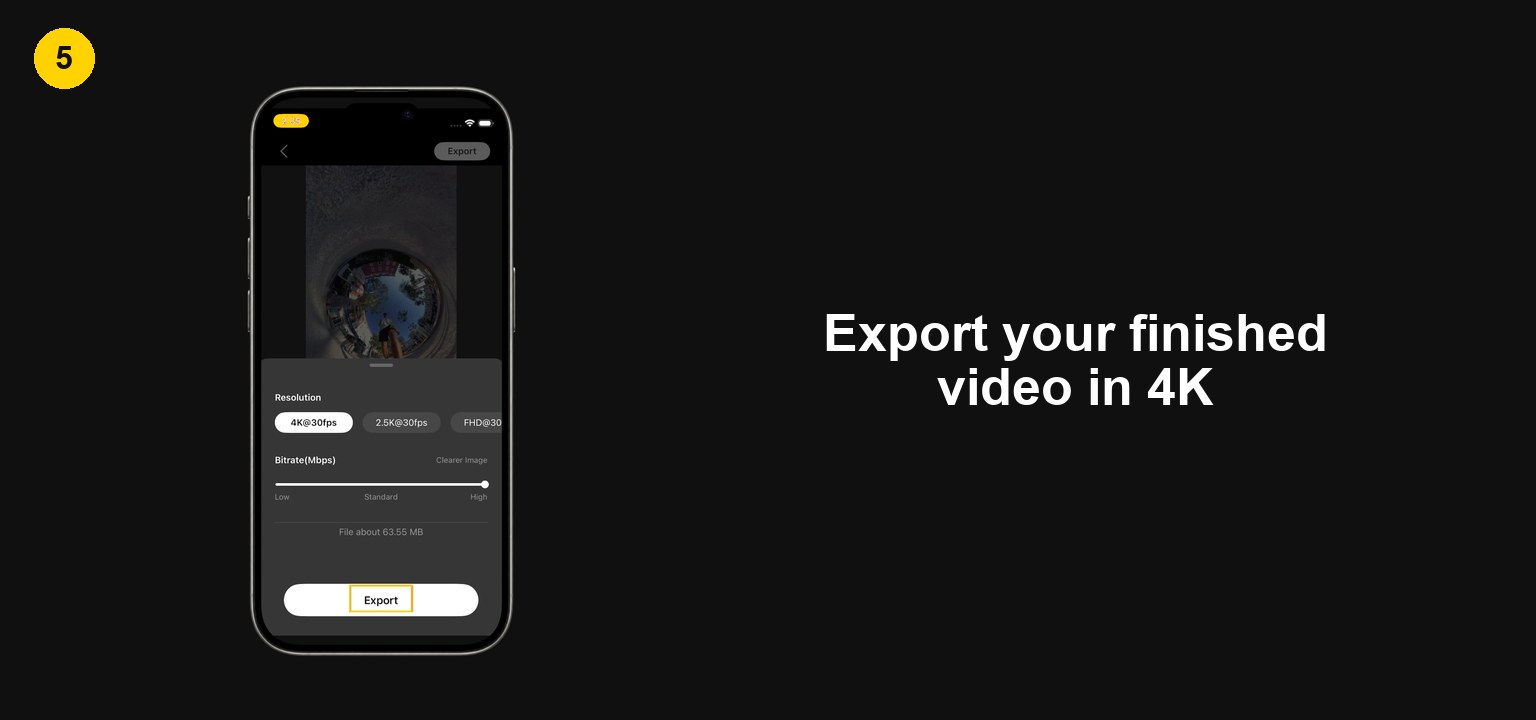
Step 5: Export in 4K
When you are happy with the result, export the finished video in 4K for the best quality.
Find a Fun Place to Try It
A plaza, park, waterfront, or quiet path can give the effect a completely different look. Pick a spot with interesting ground texture, take one steady walk, and share your Bigfoot video with #ShareWithAKASO.
Tips
View All > AKASO 360 Studio, 360 footage transfer, 360 video import, desktop editing, beginner tutorial, file management
3 Ways to Transfer and Import 360 Footage into AKASO 360 Studio
10/22/2026 360 footage import, file transfer, mobile editing, beginner tutorial
3 Ways to Import 360 Footage into the AKASO 360 App
10/21/2026 Motorcycle Camera Angles, Motorcycle Camera Mounts, 360 Camera Motorcycle Filming, Motorcycle Riding Videos
7 Best Motorcycle Camera Angles for 360 Cameras
10/15/2026