Not sure which accessories you need to film your motorcycle rides with AKASO 360? From camera mounts and invisible selfie sticks to spare batteries and protective gear, choosing the right setup can make filming a lot easier.
This guide walks you through the most useful AKASO 360 accessories and what each one can do for your rides.
1. AKASO 360 Motorcycle Combo: Everything You Need to Get Started
If you're new to filming motorcycle rides with a 360 camera, the AKASO 360 Motorcycle Combo is a great place to start.
It brings together the camera, mounting accessories, selfie stick, and other essentials in one package, so you don't have to figure out which accessories to buy separately. It's a convenient, beginner-friendly setup that's ready to use right out of the box.
The included selfie stick also features a sturdier design, making it better suited to the bumps and vibrations you may encounter while riding.
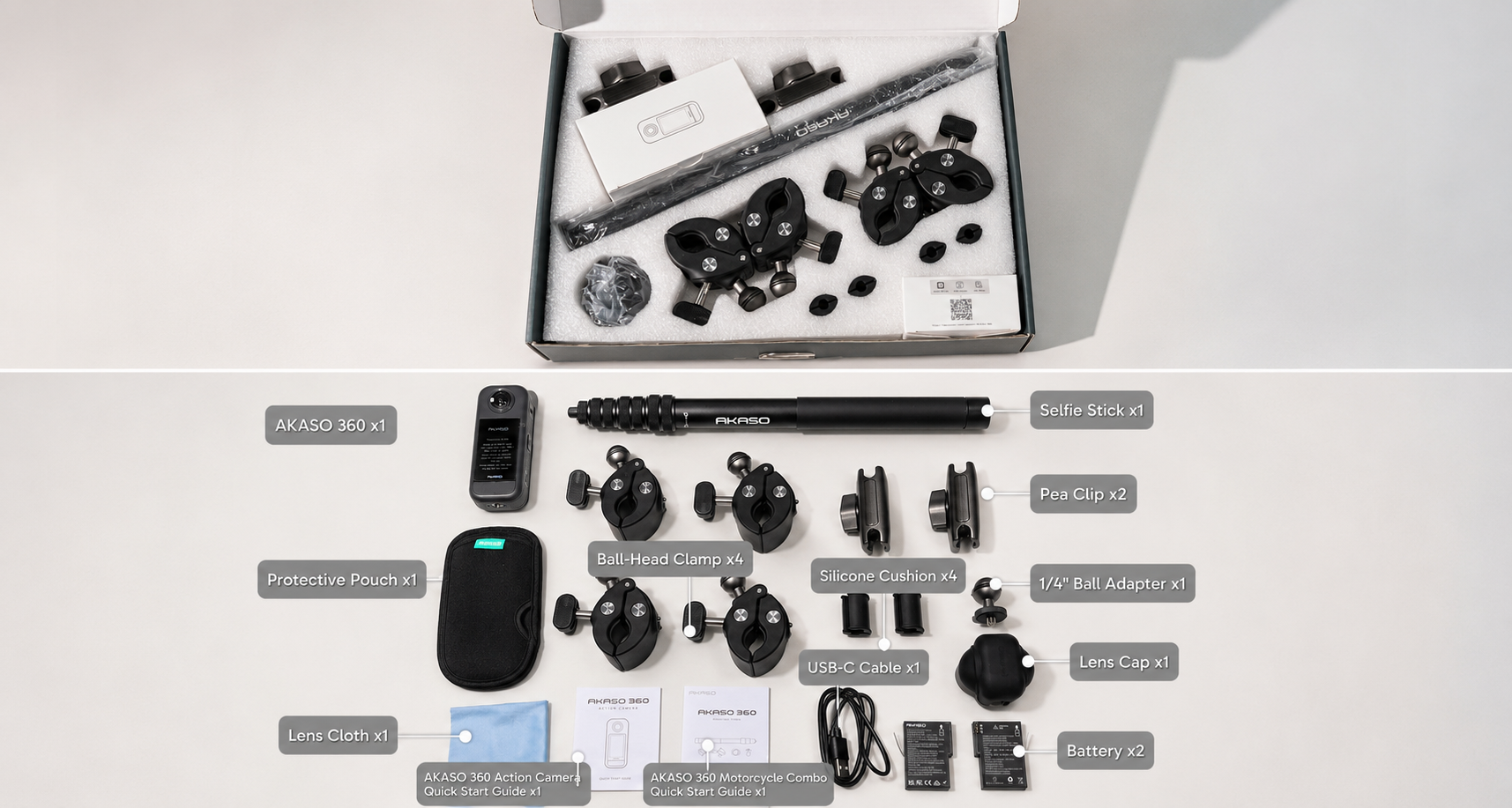
What's in the Box?
- AKASO 360 camera
- Battery ×2
- Protective pouch
- USB-C cable
- Lens cloth
- Lens cap
- Selfie stick
- Ball-Head Clamp ×4 (For Double Clamp Mount)
- Pea Clip ×2 (For Double Clamp Mount)
- Silicone Cushion ×4 (For Double Clamp Mount)
- 1/4" ball adapter
- AKASO 360 quick start guide
- AKASO 360 Motorcycle Combo quick start guide
Two Mounting Setups, More Ways to Film
One of the biggest advantages of the Motorcycle Combo is the flexibility of its mounting accessories. You can combine them in different ways to capture your ride from multiple perspectives.
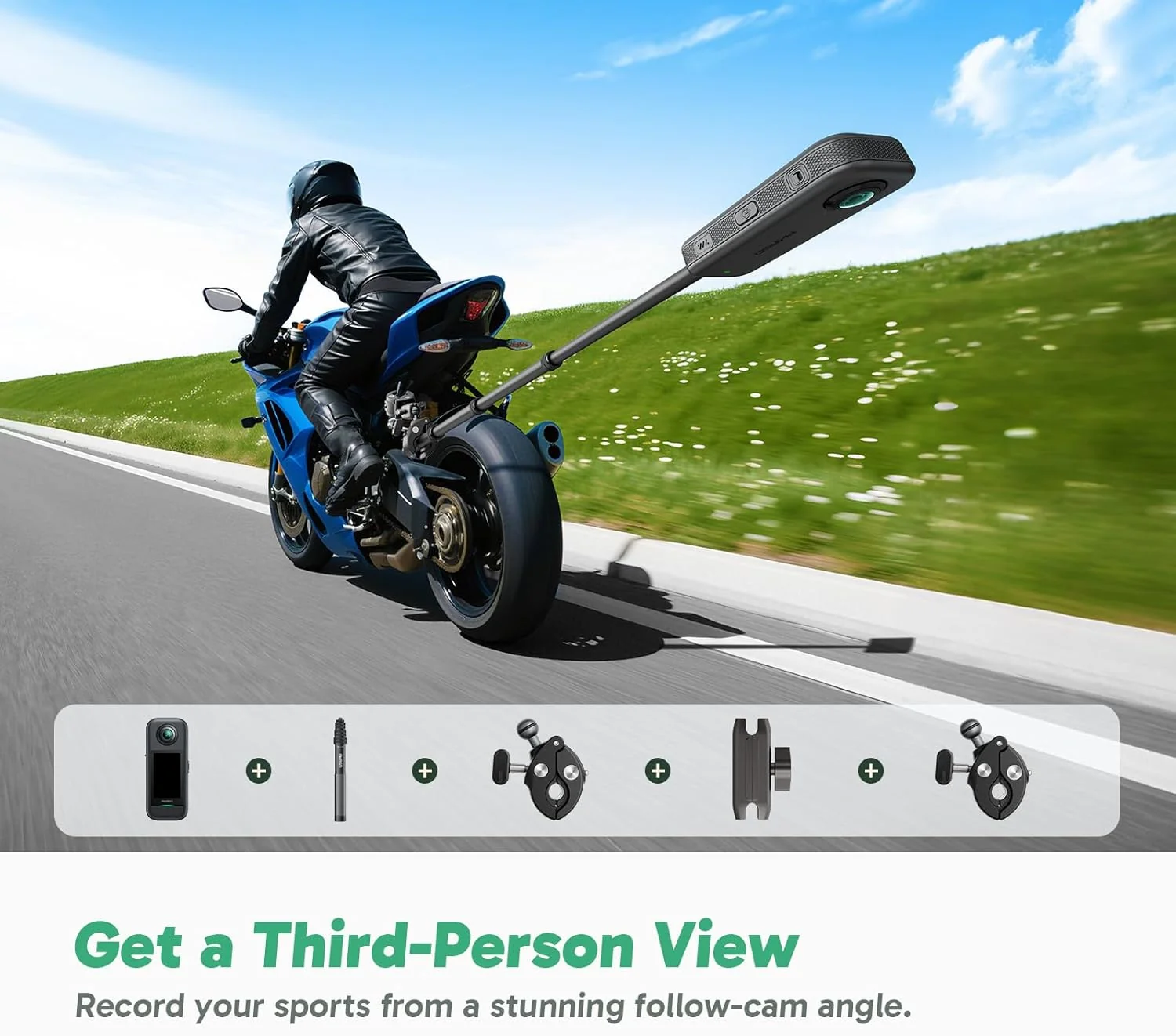
Setup 1: Double Clamp Mounts + Selfie Stick
Combine the two Double Clamp Mounts with the included selfie stick to attach your AKASO 360 to suitable mounting points at the front, rear, or frame of your motorcycle.
By extending the camera away from the bike, this setup helps you capture third-person footage and drone-like views without needing someone else to film you.
It's a great way to show both the rider and the surrounding scenery in the same shot.
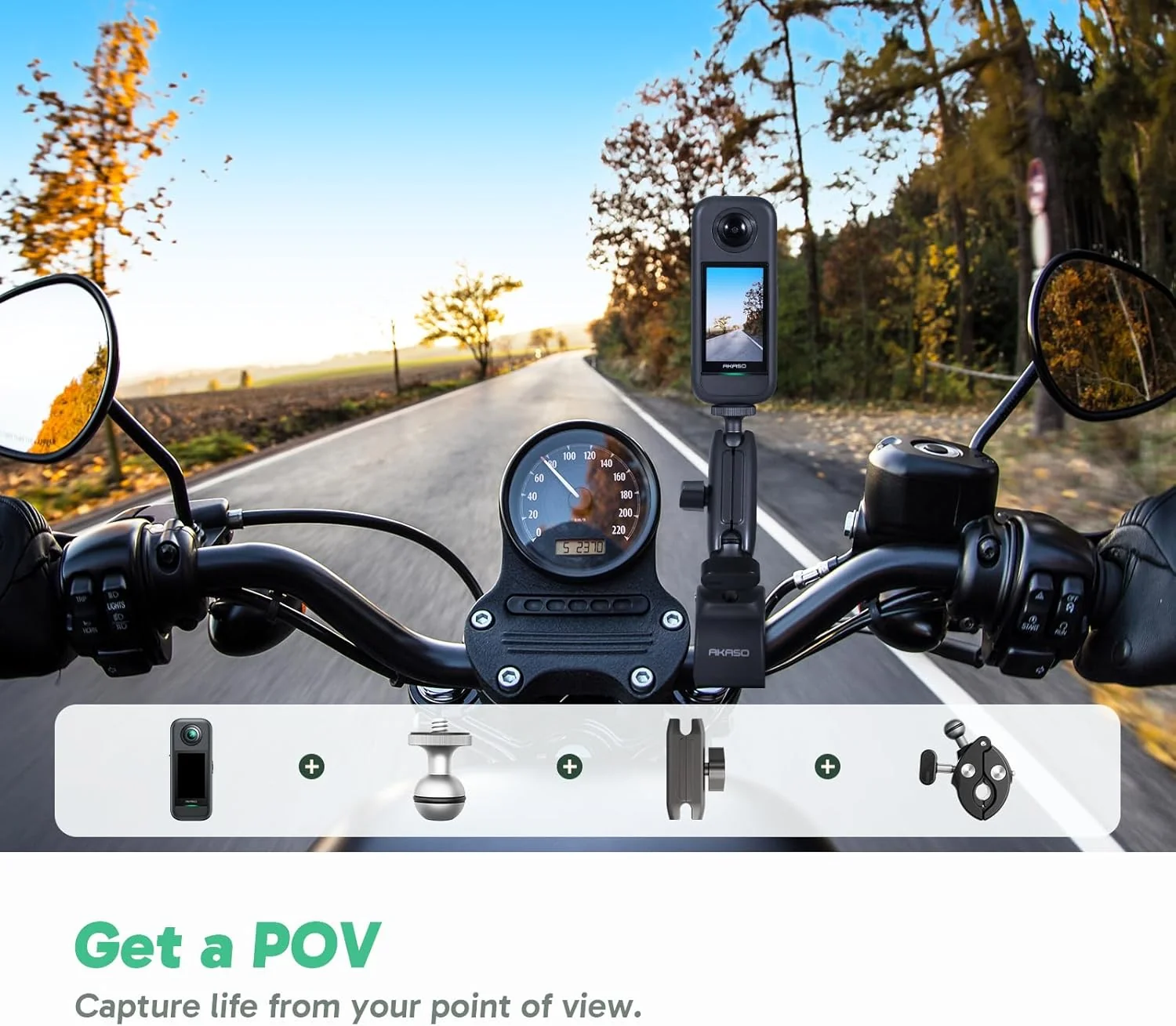
Setup 2: Pea Clip + Ball-Head Clamp + 1/4" Ball Adapter
For a setup without an extended selfie stick, combine the Pea Clip, Ball-Head Clamp, and 1/4" ball adapter to mount your AKASO 360 at suitable points around the motorcycle.
Depending on the mounting location, such as the front of the bike, a compatible footrest area, or the frame, you can capture POV-style footage, side views, and low-angle shots.
Whether you're recording a scenic weekend ride or creating motorcycle content for social media, the Motorcycle Combo gives you a flexible starting point without having to put together a full accessory setup yourself.
Explore the AKASO 360 Motorcycle Combo
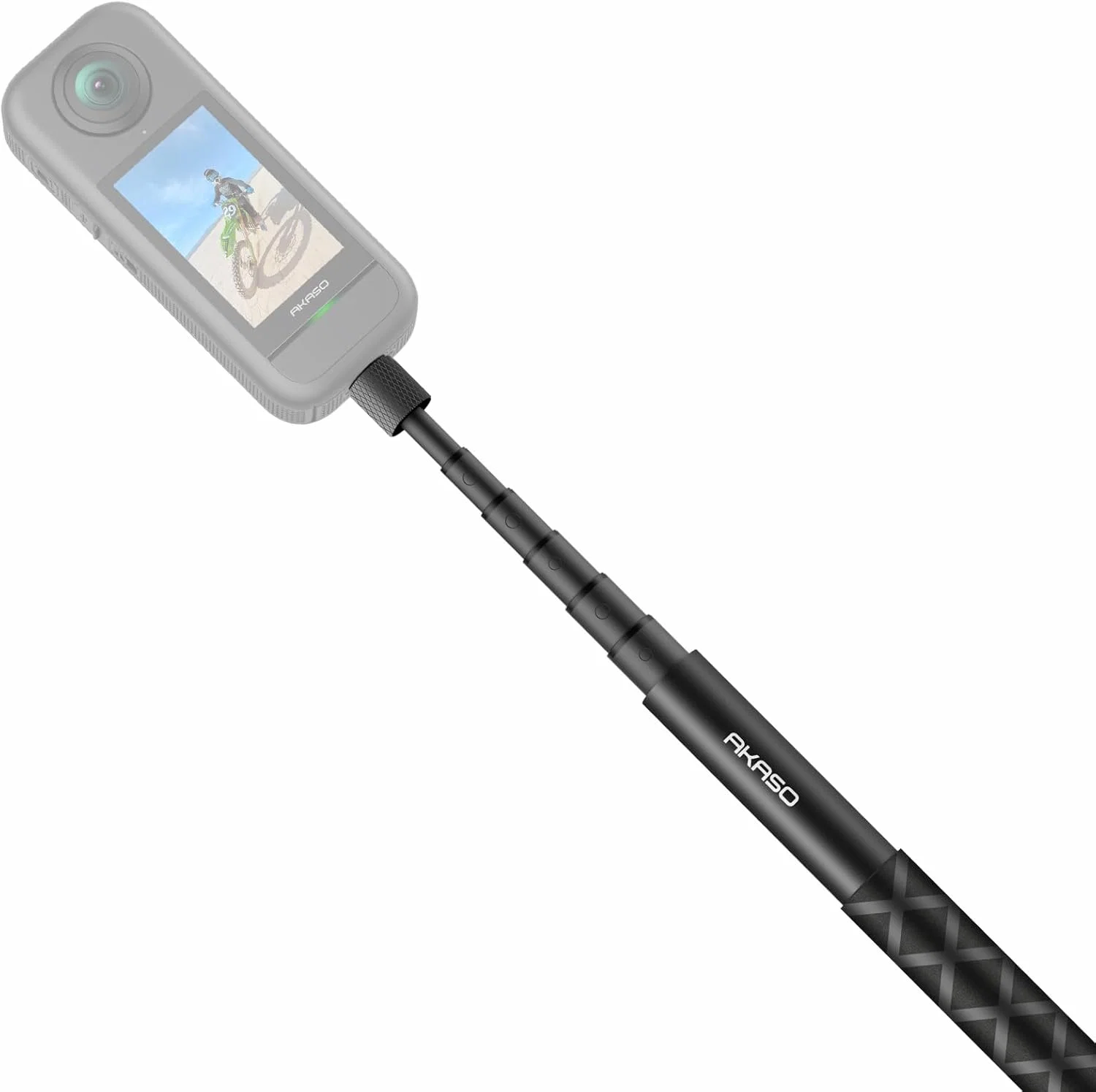
2. AKASO 120cm Invisible Selfie Stick: More Creative Possibilities
The AKASO 120cm Invisible Selfie Stick is a useful addition if you already own an AKASO 360 and want more flexibility in how you capture your footage.
It extends up to 120 cm, giving you extra reach for third-person shots and creative compositions. When positioned correctly with the AKASO 360, the stick can disappear from your 360° footage, creating the impression that the camera is floating nearby.
Its retractable design also makes it easy to pack and carry, so you can bring it along on your next adventure without taking up much space.
Whether you're filming yourself, capturing the scenery around you, or experimenting with different perspectives, the invisible selfie stick opens up more possibilities for your 360° videos.
Explore the AKASO 120cm Invisible Selfie Stick
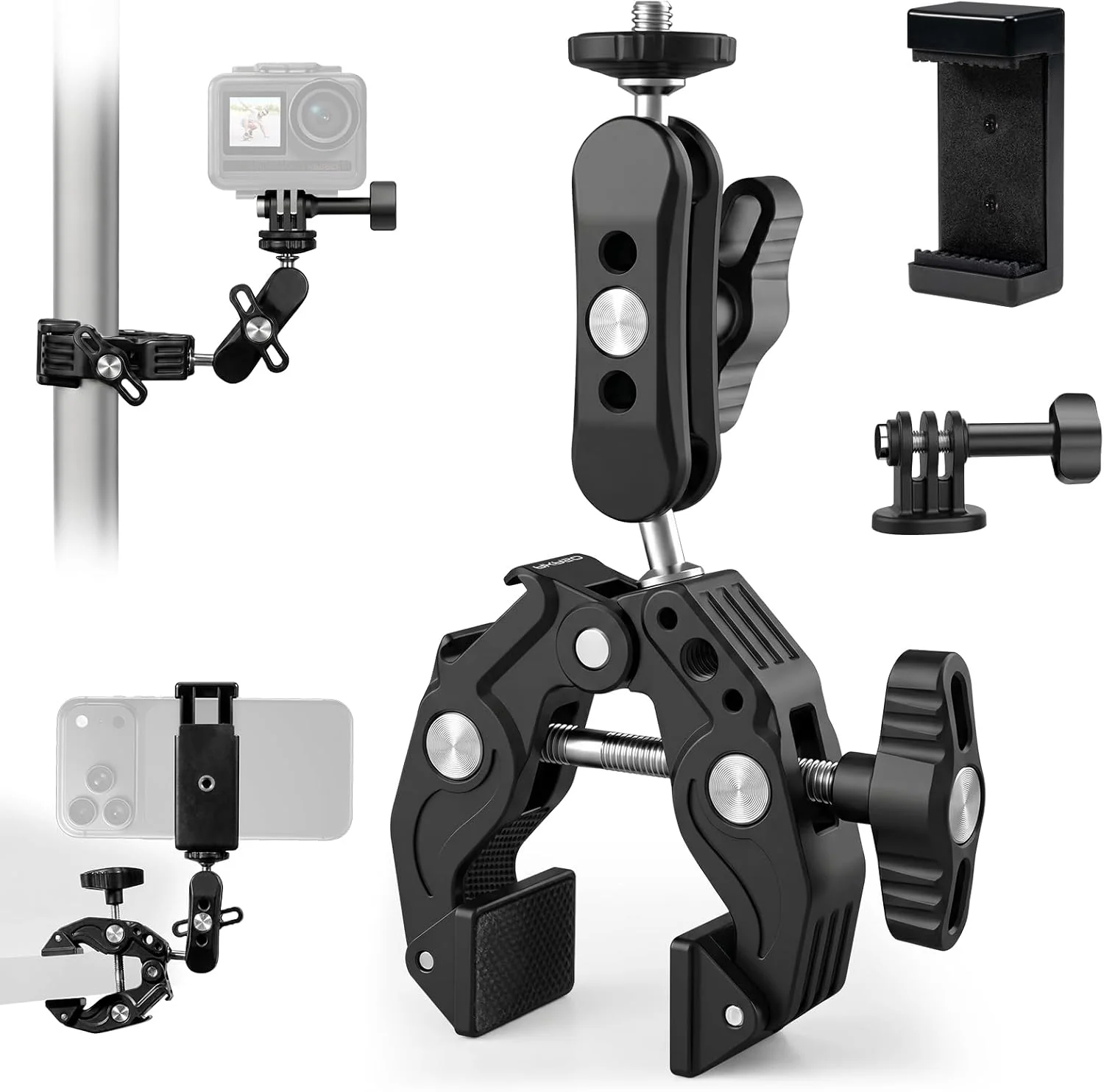
3. AKASO Camera Super Clamp Mount: A Simple Mounting Option
Looking for another way to mount your AKASO 360 on your motorcycle? The AKASO Camera Super Clamp Mount offers a practical option for attaching your camera to compatible mounting points.
For this setup, we recommend screwing the AKASO 360 directly onto the Super Clamp Mount rather than pairing it with a selfie stick.
Before riding, make sure the clamp is securely attached and that the mounting location doesn't interfere with the motorcycle's controls or moving parts.
Explore the AKASO Camera Super Clamp Mount
4. AKASO Quick Release Adjustable Chest Mount Harness Strap: Capture Your Ride in POV
Want your viewers to experience the ride from your perspective?
The AKASO Quick Release Adjustable Chest Mount Harness Strap lets you wear your camera on your chest, making it a useful option for capturing first-person motorcycle footage.
From this position, you can record the road ahead, the handlebars, and part of your riding movements, giving viewers a more immersive look at your journey.
The adjustable straps help you find a comfortable fit, while the quick-release design makes it easier to attach and remove your camera.
It's a practical accessory for motorcycle vlogs, road trips, and POV-style videos.
Explore the AKASO Quick Release Adjustable Chest Mount Harness Strap

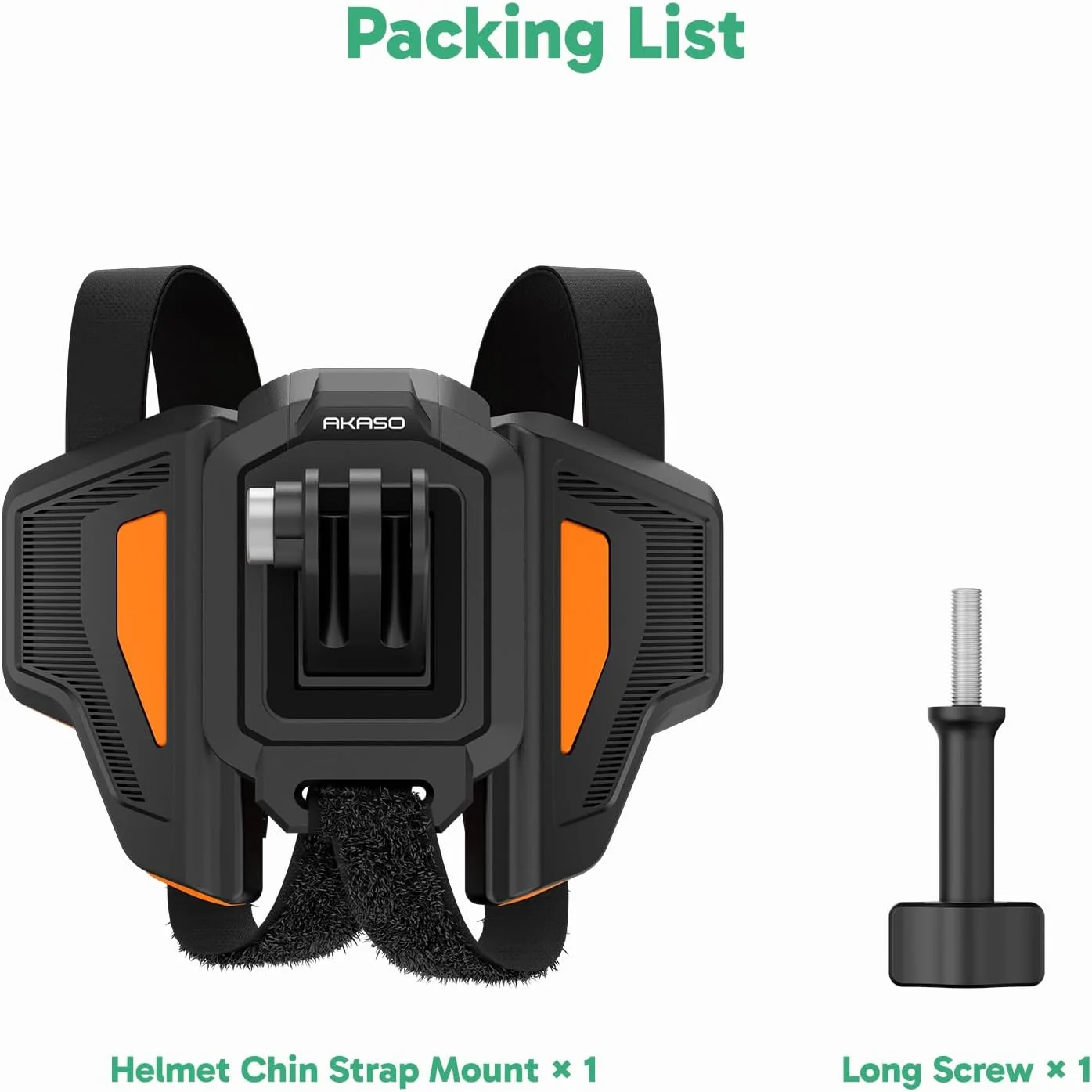
5. AKASO Motorcycle Helmet Chin Mount: Film From a Rider's Perspective
If you prefer a helmet-level perspective, the AKASO Motorcycle Helmet Chin Mount is another option worth considering.
It positions the camera at the chin area of a compatible motorcycle helmet, allowing you to capture footage from a viewpoint close to the rider's line of sight.
This perspective works well for motorcycle POV videos, whether you're riding through city streets or exploring winding roads.
Please note: The Helmet Chin Mount does not include the A-mount adapter. You'll need to purchase the A-mount separately to use it with your AKASO 360.
Before installation, check that the mount is compatible with your helmet and follow the helmet manufacturer's safety guidance.
Explore the AKASO Motorcycle Helmet Chin Mount
6. AKASO 360 Glass Screen Protectors & Lens Cap: Keep Your Camera Protected
A good motorcycle camera setup isn't just about mounting accessories. Keeping your camera protected between rides is important, too.
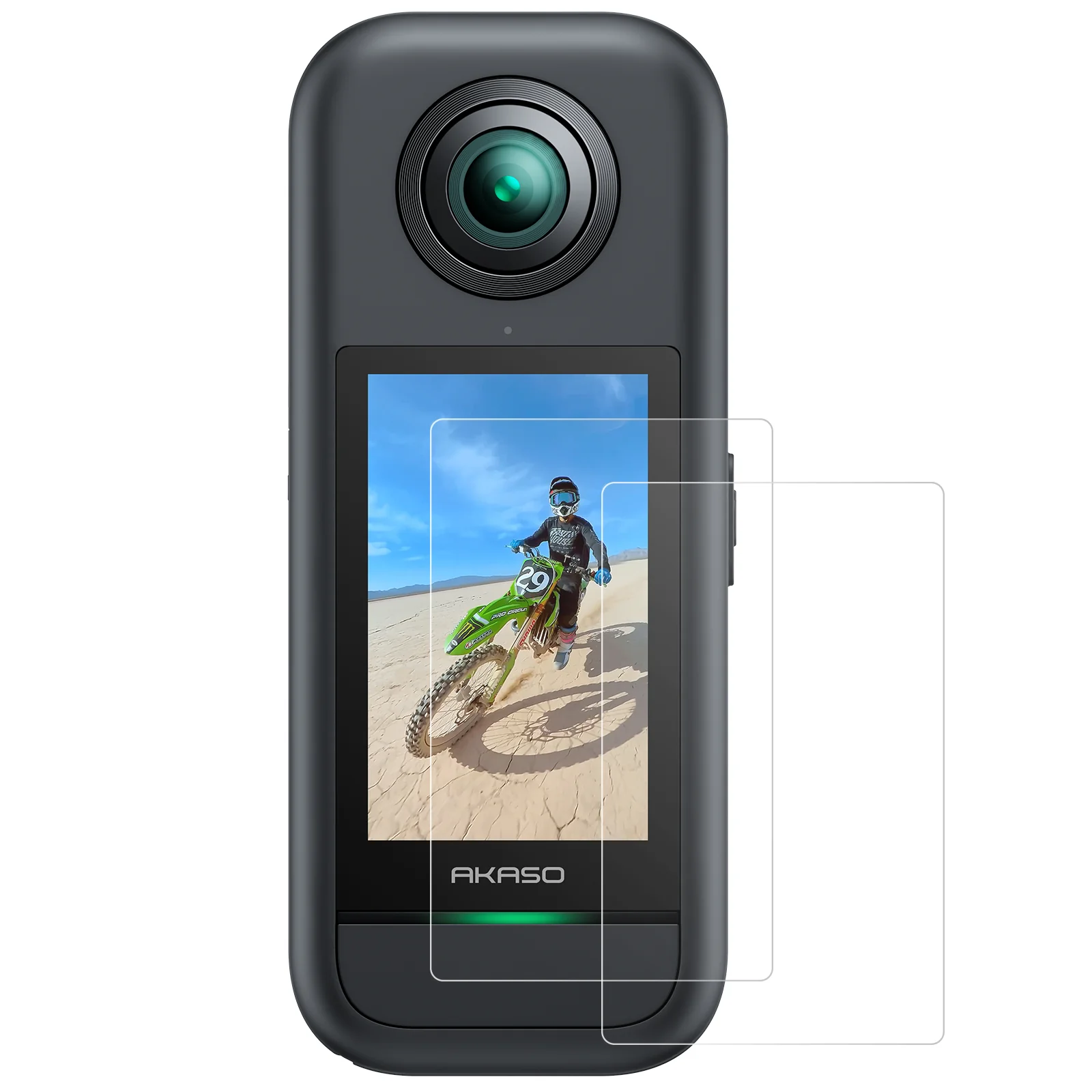
AKASO 360 Glass Screen Protectors
When you're regularly handling your camera, changing mounts, or packing your gear, the touchscreen can be exposed to everyday scratches.
The AKASO 360 Glass Screen Protectors add an extra layer of protection to help keep your screen in good condition.
Explore the AKASO 360 Glass Screen Protectors
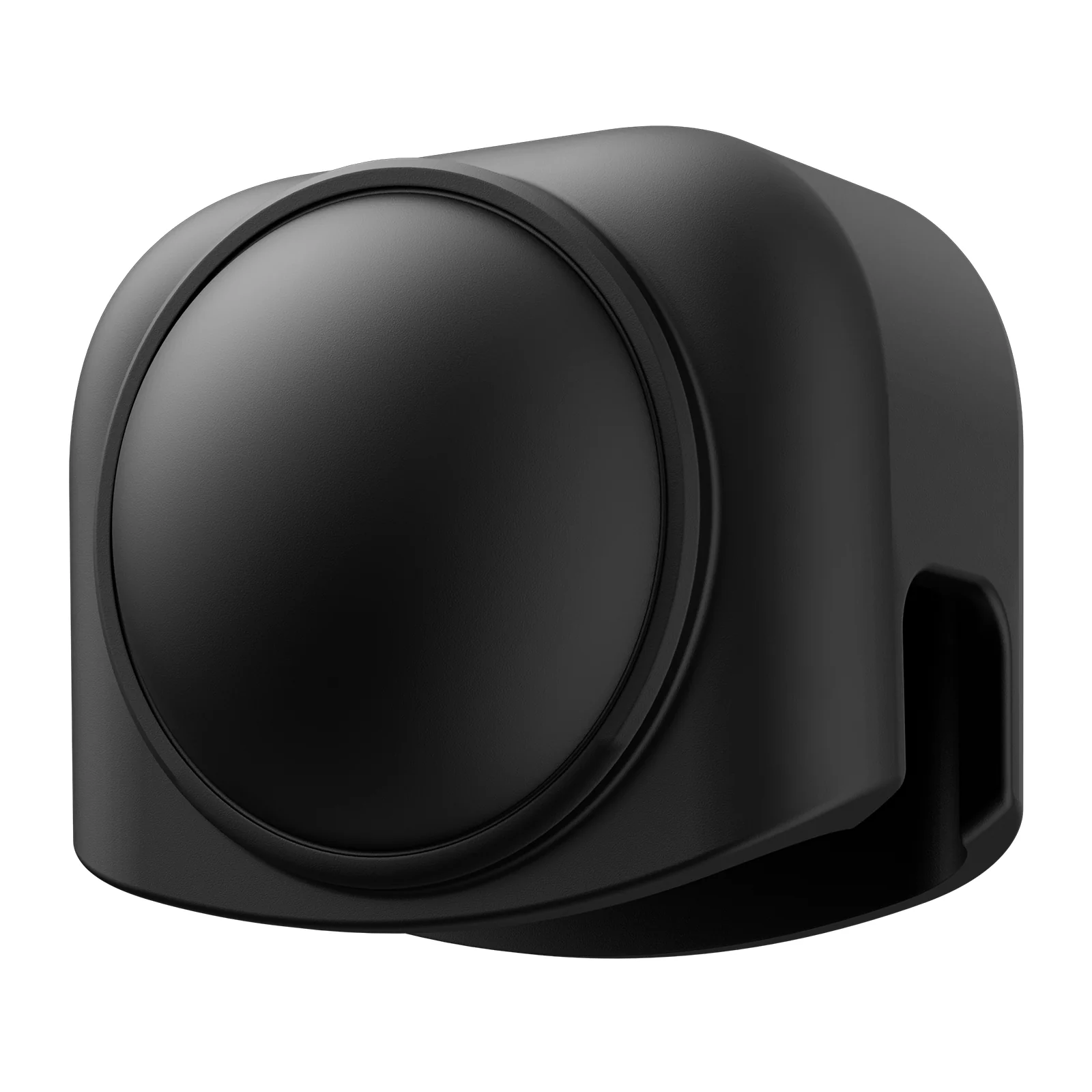
AKASO 360 Lens Cap
The AKASO 360 Lens Cap helps protect your camera's lenses when you're not recording.
It's especially handy when you're taking a break, moving between shooting locations, or storing your camera after a ride.
Just remember to remove the lens cap before you start filming.
Explore the AKASO 360 Lens Cap
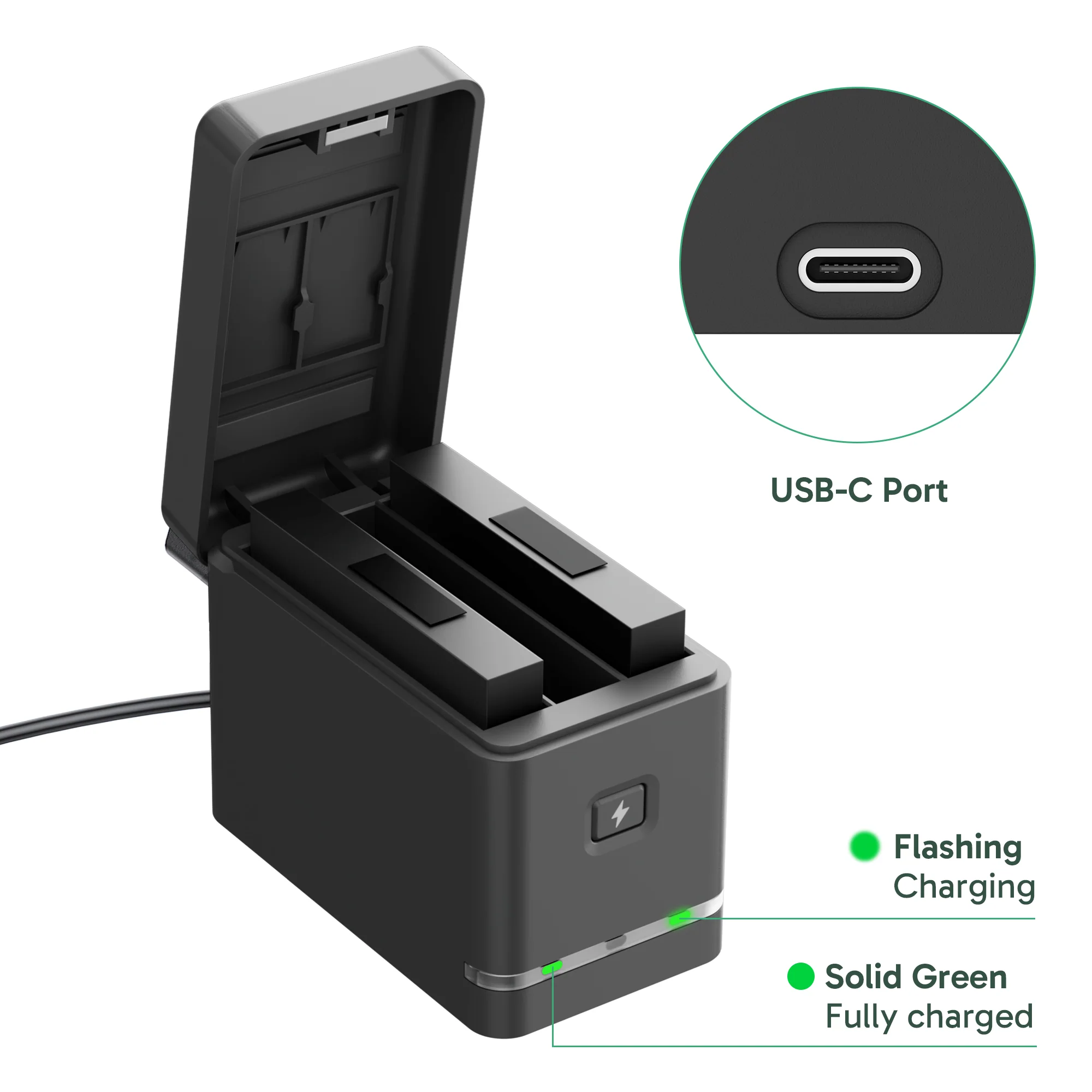
7. AKASO 360 Camera Battery & Charging Kit: Be Ready for Longer Rides
There's nothing worse than running out of battery just when the scenery gets good.
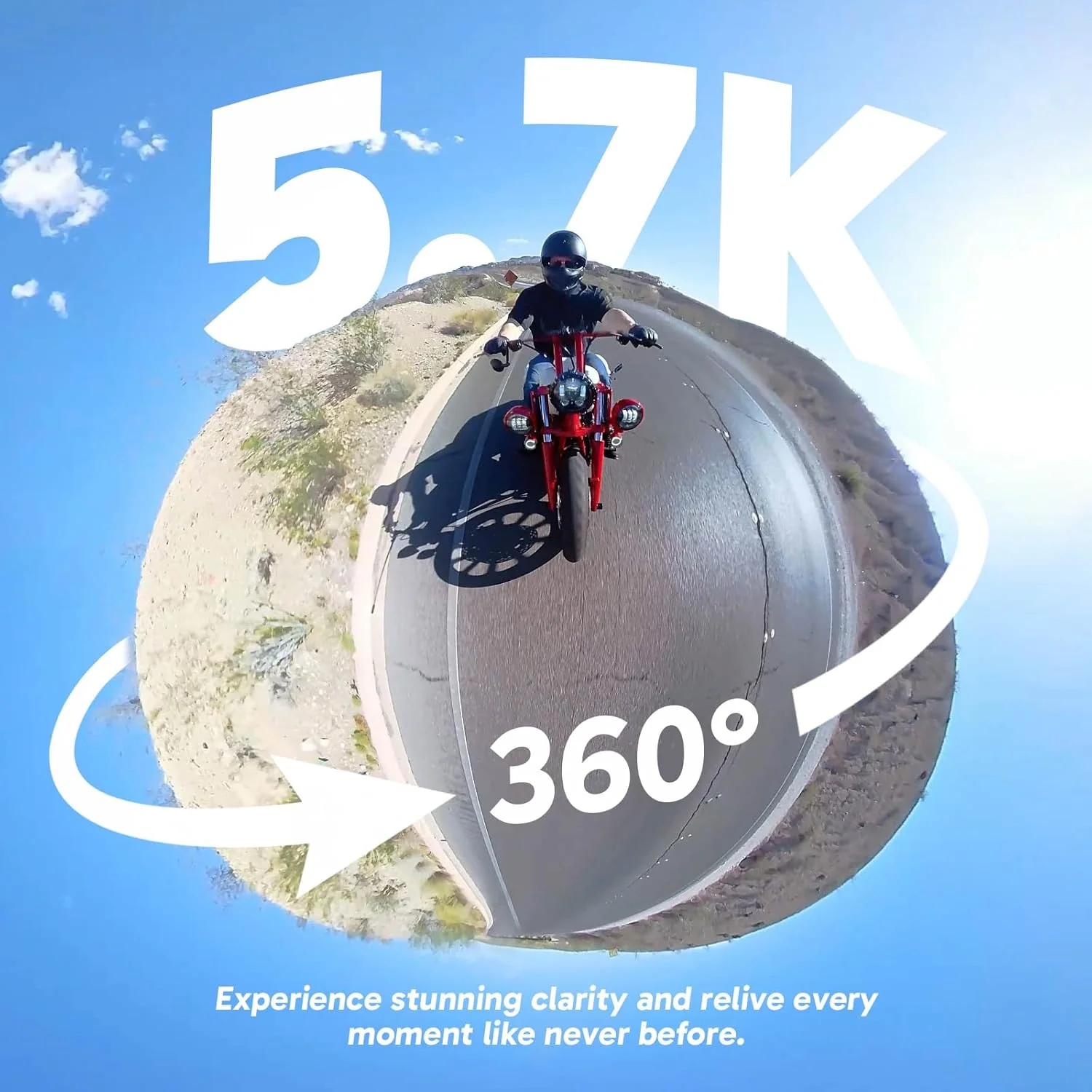
Under laboratory testing conditions, a single AKASO 360 battery provides approximately 60 minutes of recording at 5.7K/30fps. Actual recording time may vary depending on camera settings, temperature, and usage conditions.
For longer motorcycle rides, having spare batteries ready can make a real difference.
The AKASO 360 Camera Battery & Charging Kit includes:
- 2 × AKASO 360 camera batteries
- 1 × 3-channel charger
With two additional batteries and a dedicated charger, it's easier to prepare for a full day of riding, scenic stops, and multiple recording sessions.
Instead of worrying about your remaining battery life, you can focus on capturing the moments that matter.
Explore the AKASO 360 Camera Battery & Charging Kit
8. AKASO 360 Camera Carrying Case: Protect Your Camera On the Go
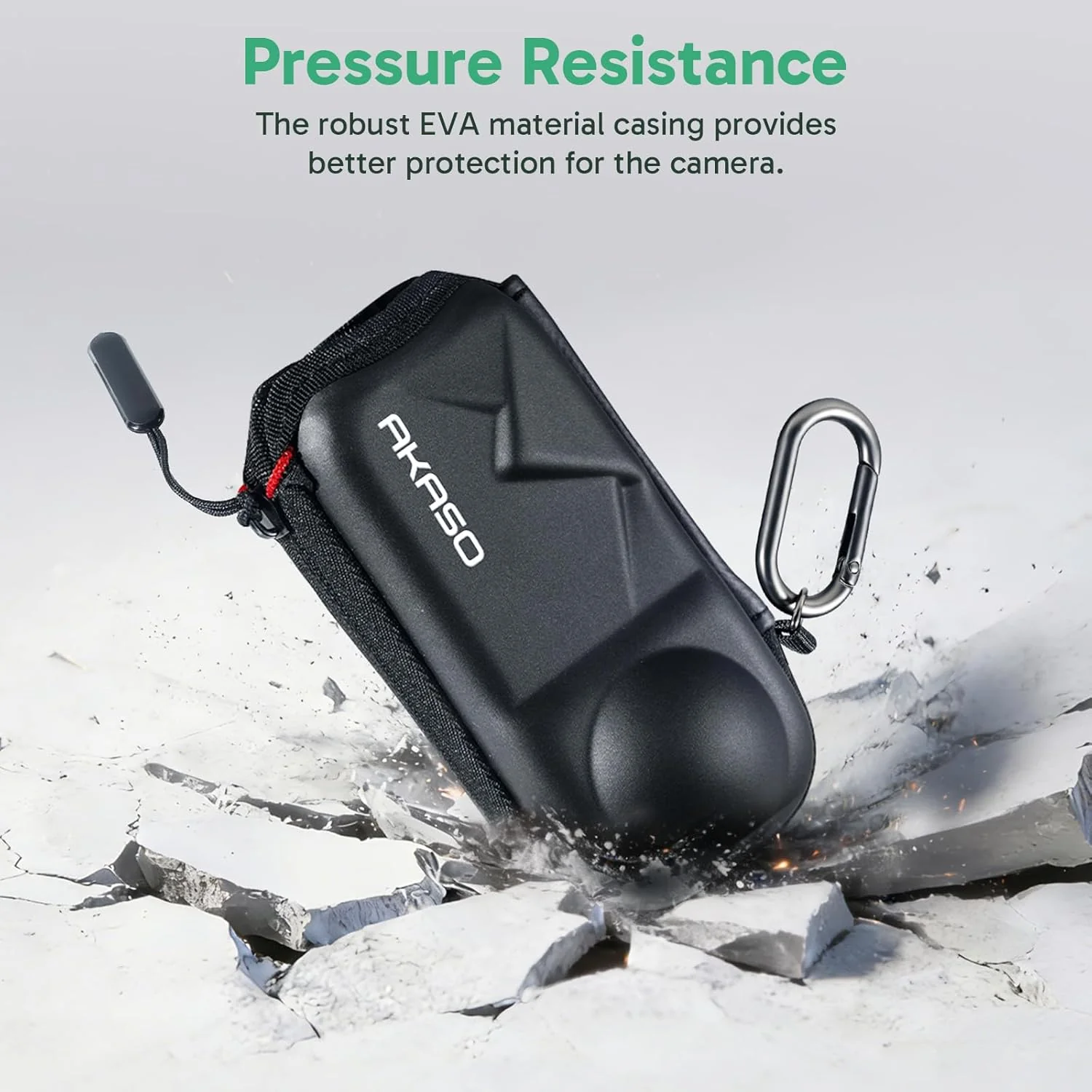
Whether you're heading out for a motorcycle ride, traveling, or storing your camera between shoots, the AKASO 360 Camera Carrying Case makes it easy to keep your camera protected.
Designed to hold your AKASO 360, the case provides a dedicated space for the camera and helps protect it from everyday bumps and scratches during storage and transport.
Compact and easy to carry, it's a practical accessory for keeping your AKASO 360 protected wherever your adventures take you.
Explore the AKASO 360 Camera Carrying Case
Tips for Mounting Your AKASO on a Motorcycle
Before you hit the road, taking a few minutes to check your camera setup can help you avoid problems during your ride.
1. Choose a Suitable Mounting Point
Make sure the mounting location is compatible with your chosen accessory and provides a secure attachment point.
2. Double-Check Every Connection
Inspect clamps, adapters, and screws before each ride. Everything should be properly secured according to the accessory instructions.
3. Keep Motorcycle Controls Clear
Position your camera and accessories away from the handlebars' full steering range, brakes, wheels, suspension, and other moving parts.
4. Test Your Setup Before Riding
Check the camera's position and mounting security while the motorcycle is stationary. Avoid adjusting your camera or mounts while riding.
A well-planned setup helps you focus on the ride while your AKASO 360 captures the action.
Get More Creative With AKASO 360
The possibilities don't stop when you finish filming. With the AKASO 360 App, you can reframe your 360° footage, add keyframes to create smooth camera movements, and experiment with projection effects (FOV) like Wide, Linear, and Planet.
Combine these editing tools with the right motorcycle camera accessories, and you can turn a single ride into a variety of creative videos.
Shoot first, frame later.
Explore AKASO 360 and its Motorcycle Combo
Tips
View All > AKASO 360 tutorials, mobile video editing, 360 video clarity, troubleshooting, beginner guide
AKASO 360 App Guide: Tutorials, Tips & Troubleshooting
 SmartClip template tutorial, Time-lapse, Step-by-Step, Beginner-friendly
How to Make a Rotating Time-Lapse Video with the Rolling Time SmartClip Template
09/17/2026 SmartClip template tutorial, Beginner-friendly, Step-by-Step, Creative video
How to Make a Giant Foot 360 Video with the “Bigfoot” SmartClip Template - A Step-by-Step Beginner’s Guide
09/10/2026