How to Make a Creative 360 Riding Video with the “Riding Ferris Wheel” SmartClip Template - A Beginner’s Guide
Running out of creative video ideas for your next ride with friends? The new “Riding Ferris Wheel” SmartClip template is here to help.
The SmartClip template turns a single 360 clip into a playful Ferris-wheel-style video in just a few taps, with no complicated editing. Try it with your riding crew or on your own. It also works beyond motorcycle and bicycle rides—use it for running, walking, skating, or any activity where you move around the camera.
Ready to make your own? Follow this beginner-friendly tutorial to get started.
What You Need
- AKASO 360 camera
- A motorcycle or bicycle
- A tripod (optional)
- AKASO 360 App
- A bright, spacious, level outdoor area
Step-by-Step Tutorial
Step 1: Set Up the Camera
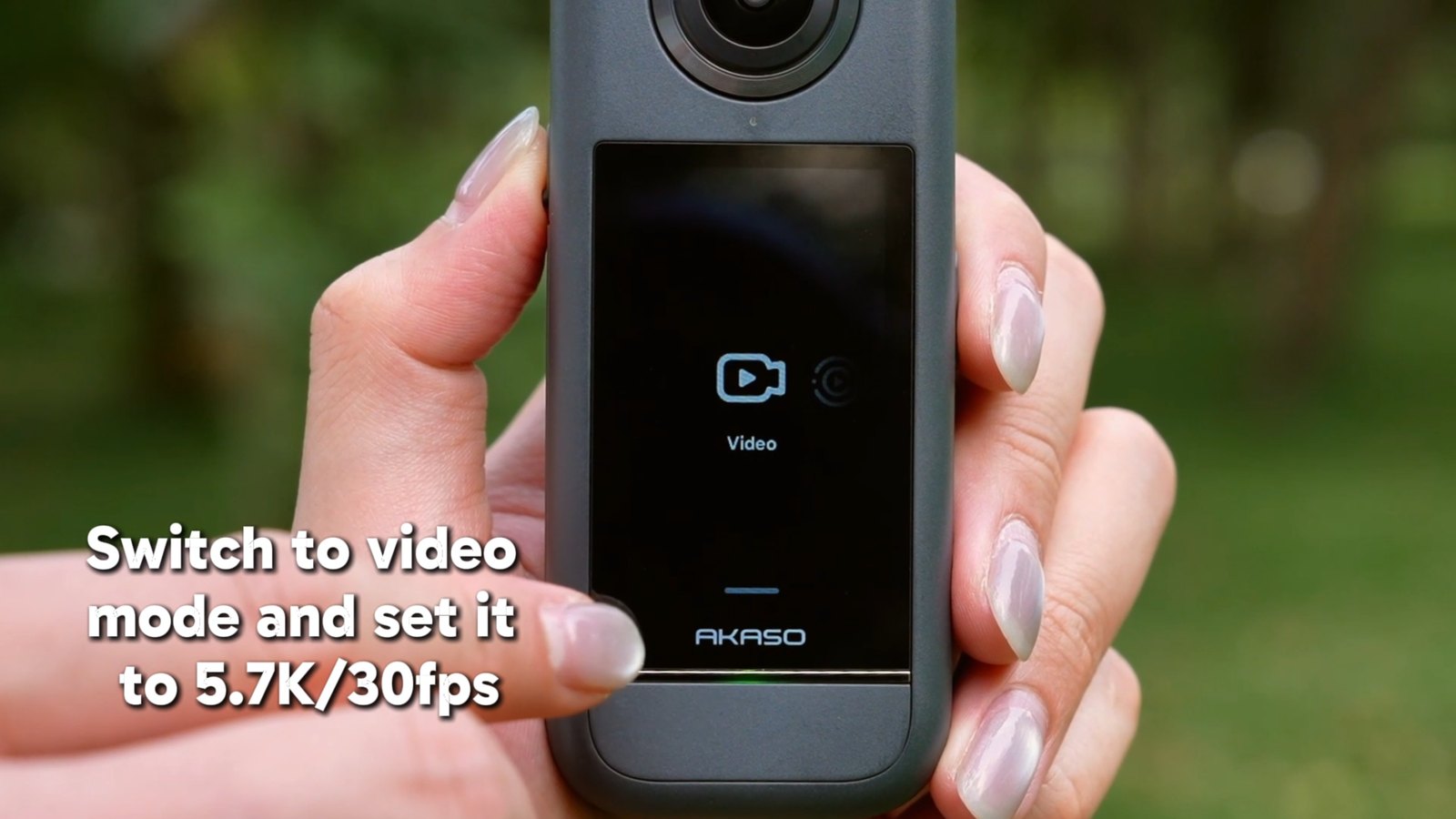
Switch to 360 Video mode and set your AKASO 360 to 5.7K/30fps.
Step 2: Position the Camera
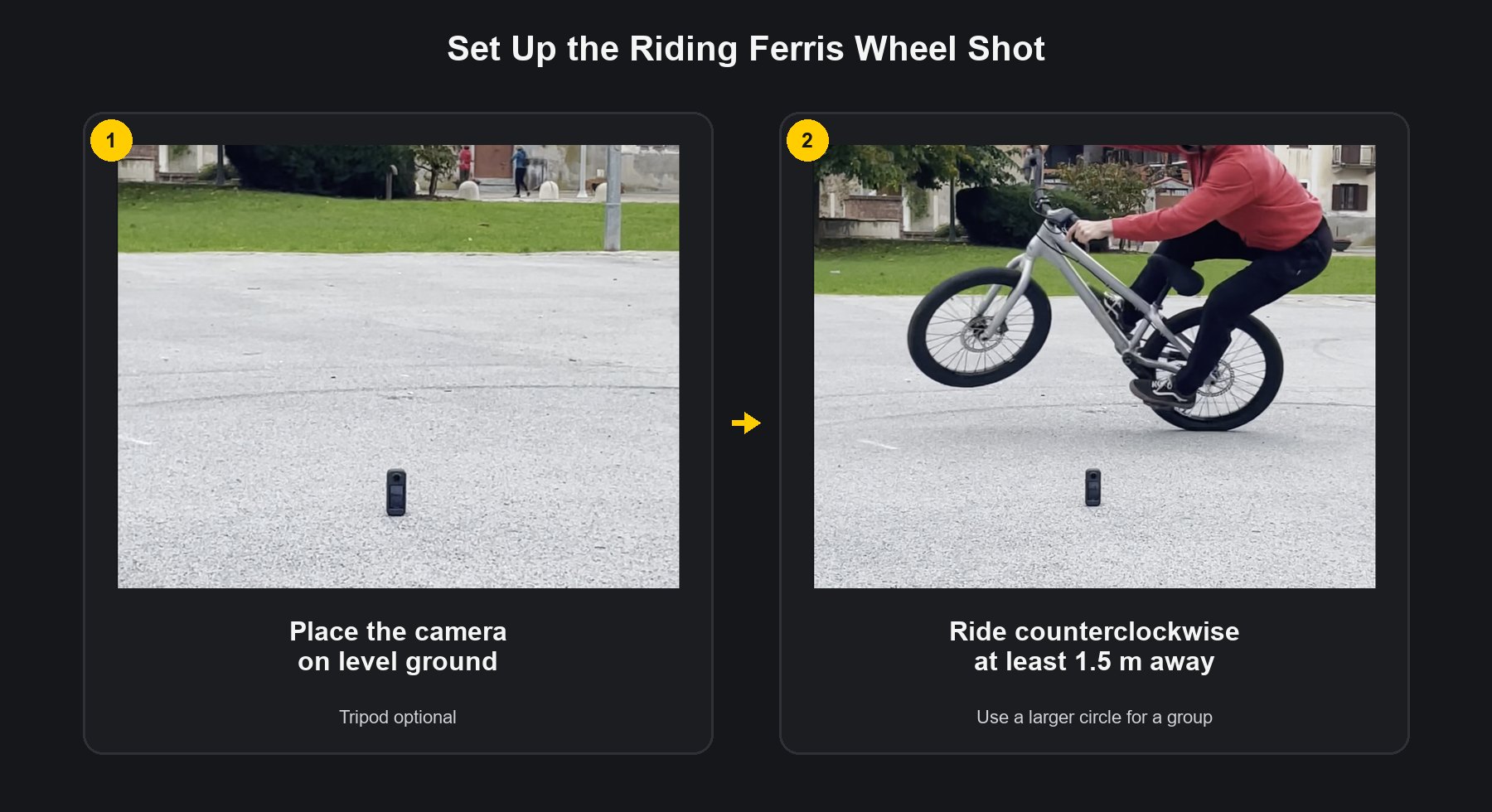
Mount the camera on a tripod and place it on level ground. If you are not using a tripod, place the camera directly on the ground.
Step 3: Record Your Ride
Start recording, then ride your motorcycle or bicycle counterclockwise around the camera while staying at least 1.5 m (5 ft) away. Record continuously for more than 20 seconds.
You can ride alone or with a group. If more riders join, make the circle larger so everyone has enough space.
Step 4: Download Your Clip
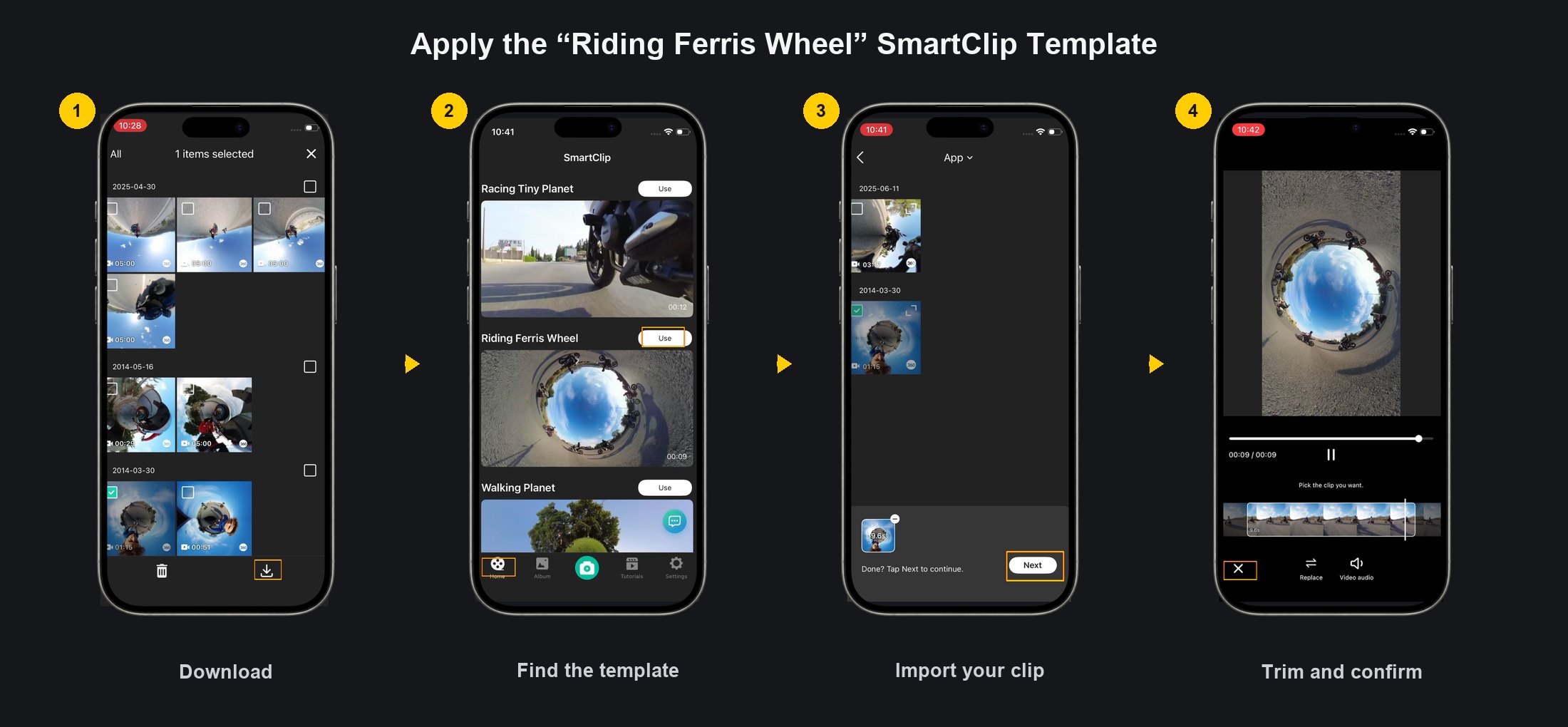
Open the Album tab in the AKASO 360 App and download the clip to your phone.
Step 5: Apply the “Riding Ferris Wheel” SmartClip Template
Go to the Home tab and find the “Riding Ferris Wheel” SmartClip template. Tap Use, import your clip, and trim it to the best moments.
Step 6: Customize Your Video
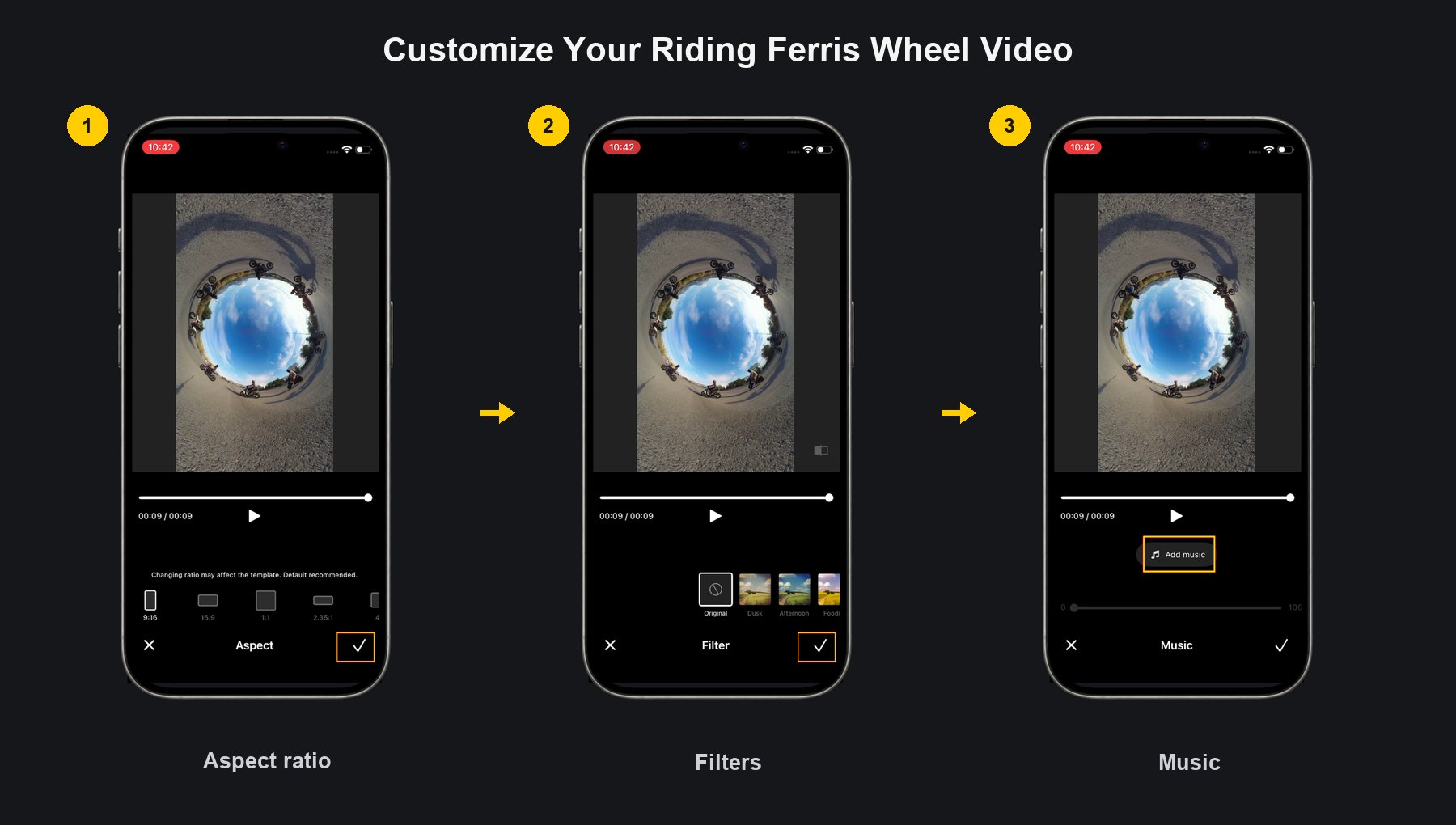
Choose your preferred aspect ratio, add a filter, and select music that matches the energy of your ride.
Step 7: Export in 4K
For the best quality, export your finished video in 4K.

Take the Idea on Your Next Ride
Whether you try it solo or with friends, the finished video is a fun way to capture the energy of your ride from a completely different perspective. Share your Riding Ferris Wheel video with your crew or post it on social media with #ShareWithAKASO.
Tips
View All > Motorcycle Camera Angles, Motorcycle Camera Mounts, 360 Camera Motorcycle Filming, Motorcycle Riding Videos
7 Best Motorcycle Camera Angles for 360 Cameras
 Motorcycle Accessories, Motorcycle Camera Mounts, Motorcycle Filming, Motorcycle Riding, 360 Camera Accessories
Best AKASO 360 Accessories for Motorcycle Riding
 AKASO 360 tutorials, mobile video editing, 360 video clarity, troubleshooting, beginner guide
AKASO 360 App Guide: Tutorials, Tips & Troubleshooting