New to the AKASO 360 App, or looking for help with your 360 footage?
Whether you're setting up your camera, editing your videos, improving video clarity, or working through a technical issue, we've put together eight helpful guides to make things easier.
Browse the topics below to find the tutorial that fits what you need.
Find the AKASO 360 APP Guide You Need
- Getting Started: Check device compatibility and find help with camera connection issues.
- Editing Your 360 Footage: Learn how to edit on your phone and choose between Pano and Reframe.
- Improving Video Clarity: Explore how shooting, reframing, and export settings can affect the clarity of your videos.
- Exporting Your Videos: Find out what to check before exporting your footage.
- Troubleshooting: Get help with importing, previewing, and exporting your videos.
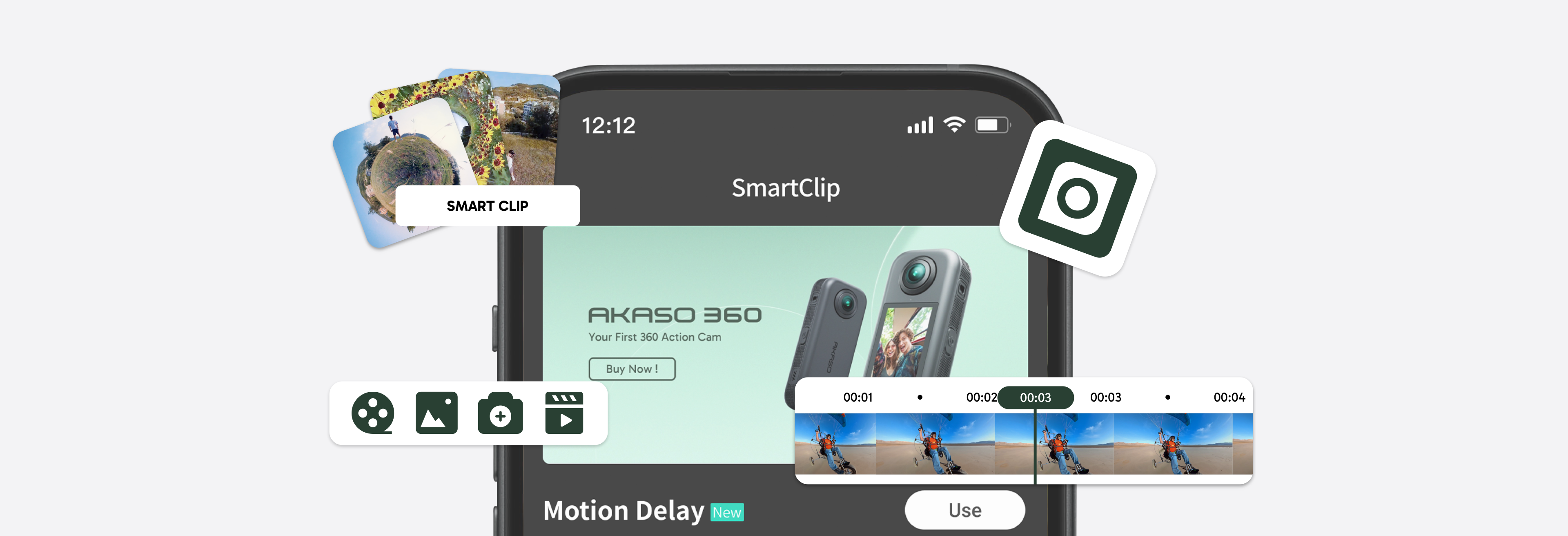
1. Getting Started with AKASO 360 APP
Check Your Device Compatibility
Wondering if your phone or computer supports the AKASO 360 App or AKASO 360 Studio?
This guide covers system requirements and device compatibility, so you can check what you need before getting started.
Read the Guide: AKASO 360 App & Studio System Requirements
Connect Your Camera to the AKASO 360 App
Having trouble connecting your AKASO 360 camera to the app?
This troubleshooting guide walks you through what to check first and helps you identify possible connection issues.
Read the Guide: AKASO 360: What to Check First When the App Won't Connect to Your Camera
2. Editing Your AKASO 360 Footage
Edit Your 360 Footage on Your Phone
Not sure where to start editing your AKASO 360 footage?
This beginner-friendly guide walks you through the mobile editing workflow, including essential editing tools, keyframes, creative effects, and the steps to finish your video.
Read the Tutorial: How to Edit AKASO 360 Footage After Shooting: Mobile App Editing Tutorial
Choose Between Pano and Reframe Editing Modes
Not sure whether to use Pano or Reframe?
Learn how these two editing modes differ and which one makes more sense for the type of video you want to create, where you plan to share it, or how you'll watch it.
Read the Guide: How to Choose the Right Editing Mode for AKASO 360: Pano or Reframe?
3. Improving Your AKASO 360 Video Clarity
Make Your AKASO 360 Videos Look Clearer
Does your 360 footage look less clear than you expected, especially after reframing or exporting?
This guide explains how shooting, reframing, and export settings can affect video clarity, with practical tips to help you get better-looking results.
Read the Guide: How to Make AKASO 360 Videos Look Clearer: Settings Tips
4. Exporting Your AKASO 360 Videos
What to Check Before Exporting
Finished editing and ready to export?
This guide covers the key settings and things worth checking before you export, helping you avoid common issues and get the result you're looking for.
Read the Guide: AKASO 360: What to Check Before Exporting Your Footage
5. Troubleshooting Common AKASO 360 App Issues
Having Trouble Importing or Previewing Footage?
Having trouble importing your footage into the AKASO 360 App, or noticing something unusual during preview?
This guide covers common import and preview issues, along with troubleshooting steps to help you figure out what's going on.
Read the Guide: AKASO 360 App: How to Fix Footage Import and Preview Issues
Export Failed, Looks Blurry, or Won't Play?
Is your video failing to export, looking blurry after export, or not playing as expected?
Explore possible causes and troubleshooting steps to help resolve common export issues.
6. Still Need Help with AKASO 360?
We hope these guides make it easier to get started, explore the AKASO 360 App, and work through any issues along the way.
Have feedback on these tutorials or a topic you'd like us to cover next? We'd love to hear from you! Reach out to us on social media and let us know what you'd like to learn.
Happy creating with AKASO 360!
Tips
View All > indicator lights, camera status, LED indicators, camera settings, beginner guide
AKASO 360 Indicator Light Guide: What Each Light Means
10/28/2026 AKASO 360 Studio, 360 footage transfer, 360 video import, desktop editing, beginner tutorial, file management
3 Ways to Transfer and Import 360 Footage into AKASO 360 Studio
10/22/2026 360 footage import, file transfer, mobile editing, beginner tutorial
3 Ways to Import 360 Footage into the AKASO 360 App
10/21/2026